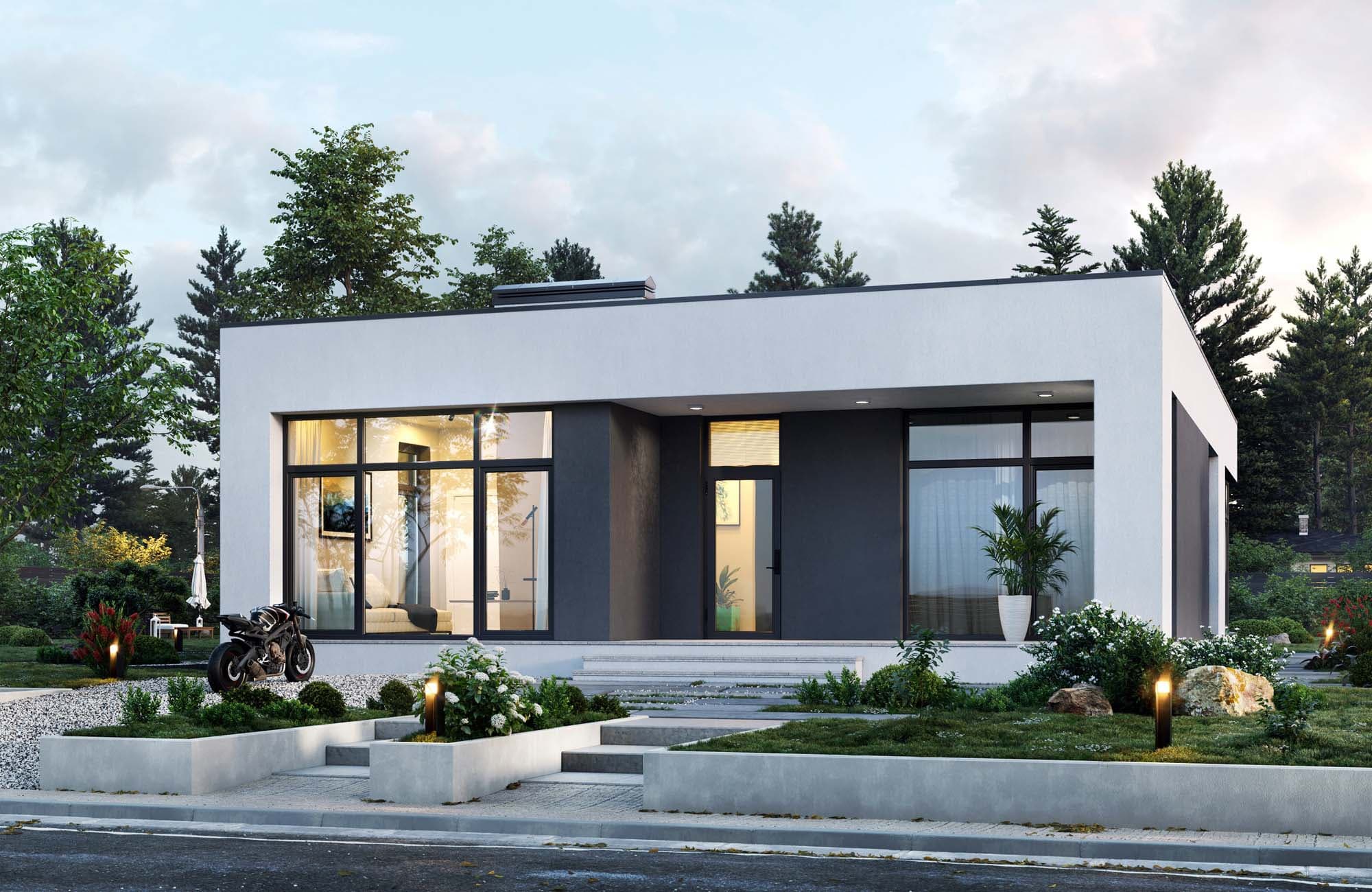
After activating the landlord role you can create a listing. Prepare the information below so tenants can find your property and understand the terms.
What you need for a listing
Photos
At least 3 photos are required. One will be the cover image. Good photos attract tenants and build trust.
Title and description
A clear title and description help tenants find your listing in search and see if the property fits their needs.
Property details
Bedrooms, area, bathrooms, furnishing, pet policy, parking, etc. - tenants use these to filter and choose suitable listings.
Location
Country, city and address are used for area search. A map link helps tenants see where the property is and what is nearby.
Amenities
You can mark Wi‑Fi, air conditioning, washing machine and other amenities - tenants filter listings by these.
Price and terms
Set the price, currency and period (day, month or year), availability date, deposit and prepayment. Clear terms reduce unnecessary questions.
Contact details for the listing
Phone, email or messenger to show in the listing. These are for tenants to reach you, separate from your account details.
Common mistakes
Too few or poor-quality photos
Listings with one or two blurry photos get fewer views. Add at least 3 clear photos: main area, kitchen/bathroom, view or neighbourhood.
Unclear price or hidden terms
State the real price and period (day/month/year). If a deposit or prepayment is required, say so in the listing. Hidden fees reduce trust and cause disputes.
Empty or vague description
A short title and a few sentences about the property and area help tenants decide. Mention what is nearby (transport, shops), whether it is furnished, and pet rules.
Wrong location or no map link
Enter city and address. A Google Maps link helps tenants see the location. Wrong or missing address puts off serious tenants.