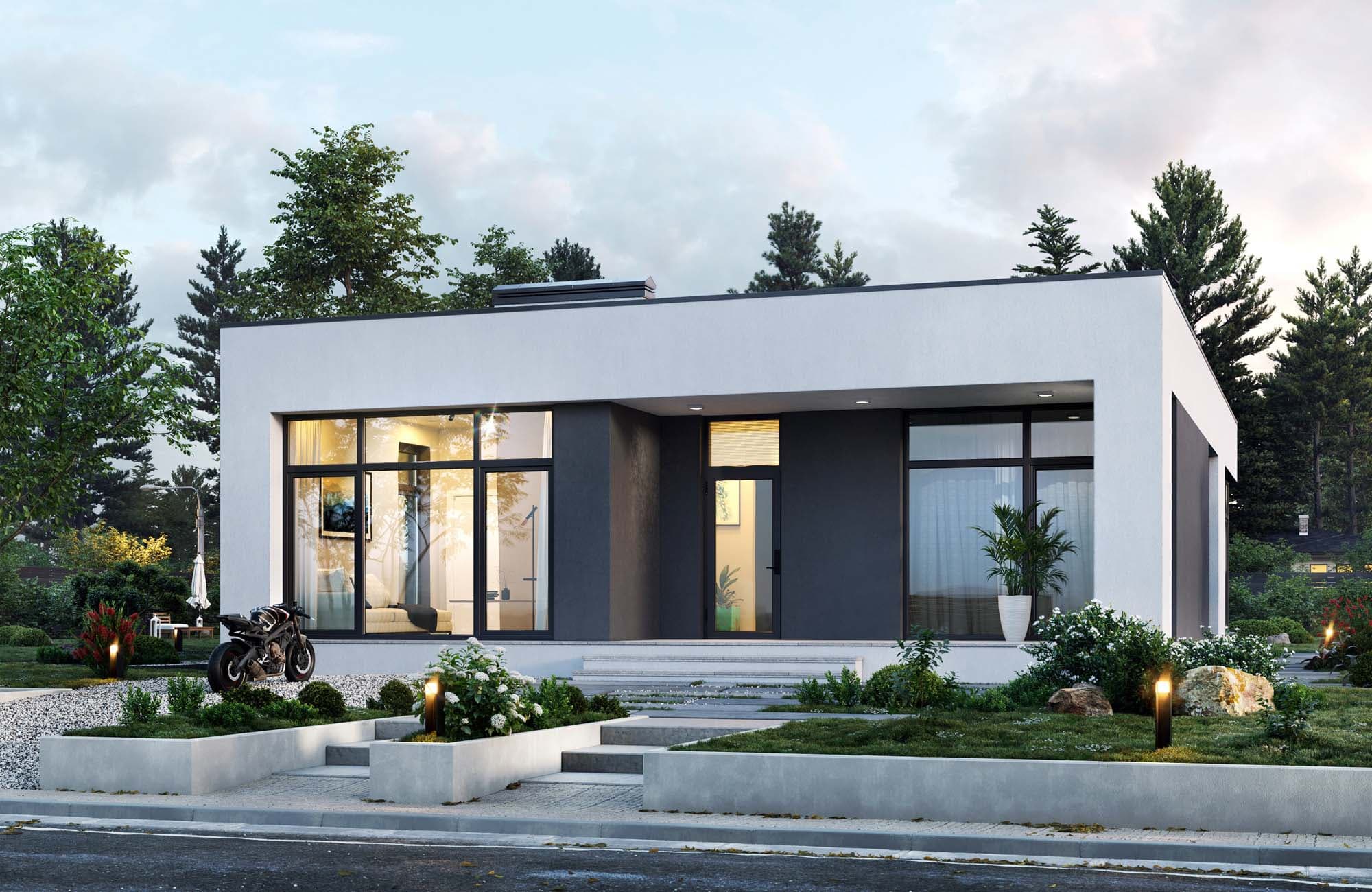
Choose a city or area on the home page, set your rental period and number of guests. Browse listings with photos, description and price. Registration is required to book or contact the landlord.
Register, go to «List your place», activate the landlord role in settings, and create a listing step by step: description, photos, details, location, amenities, price, contacts. After moderation your listing will appear in search.
Fees for landlords and tenants are described on the Pricing page. We aim for transparent pricing.
No. You can browse listings, use filters and compare properties without an account. Sign-in is required to contact landlords, make a booking or add to favourites.
Open a listing and click the contact button. Phone, email and messengers are shown after you sign in. This helps protect landlords from spam.
Choose a property, click «Book», enter dates and optionally a message. The landlord will receive the request and confirm or decline. You can see the status in «My bookings» in settings.
Register on the site, go to profile settings and activate the «Landlord» role. You will then be able to use «List your place» and create listings.
At least 3 photos, title and description, details (bedrooms, area, bathrooms, furnishing), address, price and period (day/month/year), and contact details. A complete listing is more likely to be found by tenants.
Yes. In «My bookings» you can cancel a request. Cancellation and refund terms depend on the property rules and request status - check with the landlord or support.
The amount and terms of the deposit are set by the landlord in the listing. Payment and return are agreed with the landlord. We recommend recording the terms in the rental agreement.
We currently focus on Cyprus for medium and long-term rentals. Expansion to other countries is planned; the current coverage is shown on the site.
Listings are moderated: we check that descriptions and photos meet platform rules. We recommend confirming details and rental terms when contacting the landlord.
Sign in, go to Settings → My listings, select the property and click Edit or delete. Changes are moderated again after saving.